S’hail App & nol Pay App: How to Plan, Pay & Top Up in Dubai (2026)
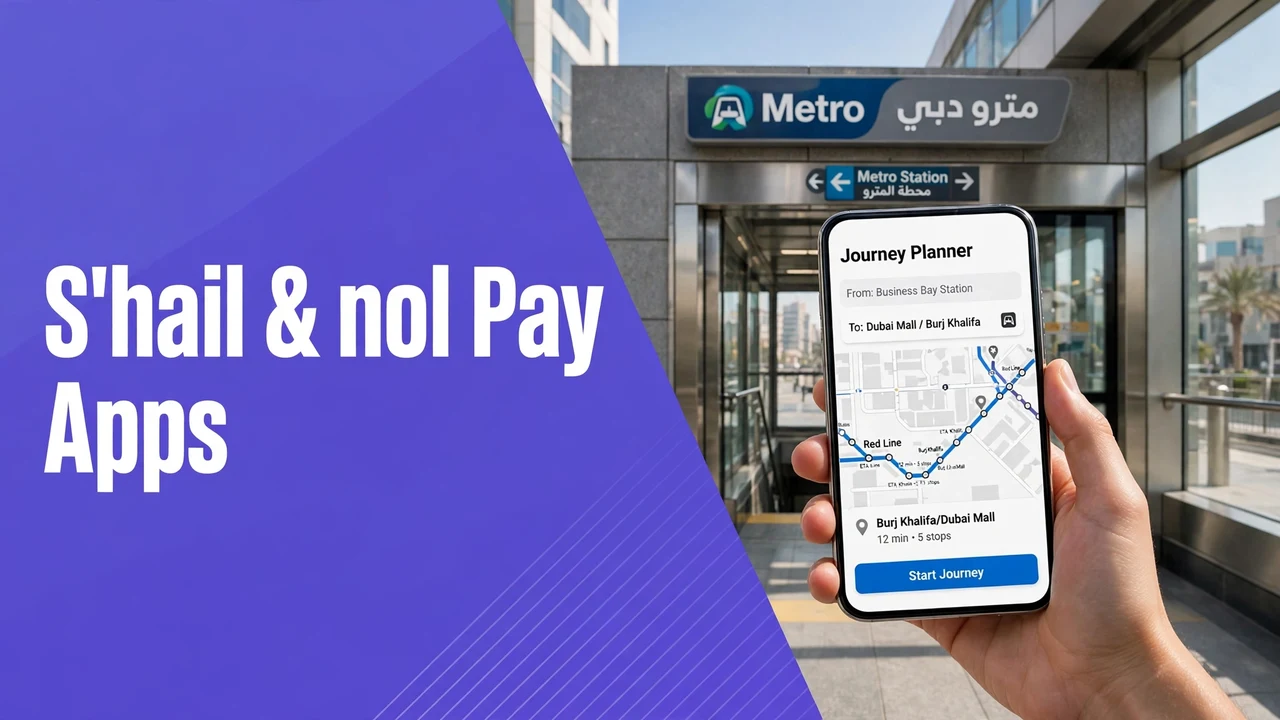
S’hail plans the trip and nol Pay handles the card, and together they cover almost everything a Metro traveller needs on a phone. S’hail finds the route across Metro, Tram, bus, taxi and boat, and nol Pay tops up your NOL card, sells QR tickets and shows your balance. This guide walks through both apps step by step, with the fares and rules as checked on 24 Nov 2026.
S’hail App & nol Pay App
Download S’hail to plan journeys and nol Pay to manage your NOL card, and you can run a whole Dubai trip from your phone. S’hail shows the route, the time and the fare across every RTA mode, and nol Pay tops up the card in seconds with your phone’s NFC reader, or sells you a QR ticket if you have no card at all. Both apps are free, both work in English and Arabic, and both come from RTA, so the fares and times inside them are the official ones.
- S’hail plans the trip. nol Pay handles the card and the payment.
- No NOL card? Buy a QR ticket in either app and scan it at the gate.
- Top up with NFC in nol Pay and the money is on the card at once.
- Keep the physical card with you. The phone does not replace it at the gates on most models.
If you only want the background on RTA itself, read the Local Transport guide first. This guide is the hands-on version: what to tap, in what order, and what to do when it does not work.
Which app does what
The two apps overlap, and that is what confuses people. S’hail can top up a card, and nol Pay can sell a QR ticket, so either app can do parts of the other’s job. The split below shows which app does each job best, so you open the right one first time.
| What you want | Use S’hail | Use nol Pay |
|---|---|---|
| Plan a journey | Yes, its main job | No |
| Live bus and Metro times | Yes | No |
| Top up a NOL card | Yes, by NFC or tag ID | Yes, fastest by NFC |
| Check a card balance | Yes | Yes, its main job |
| Buy a QR ticket | Yes | Yes |
| Buy or renew a travel pass | Yes | Yes |
| Book a taxi or ride hailing | Yes | No |
| Pay for parking | Yes | No |
| See trip history | Yes | Yes |
Use S’hail when the question is “how do I get there”, and nol Pay when the question is “how much is on my card”. For a normal day out, that means planning the route in S’hail in the morning, then opening nol Pay once to check the balance and top up if needed. The QR Tickets guide covers QR tickets in full if you want to skip the card entirely.
Before you download: accounts, guest mode and data
Both apps are free on iOS, Android and Huawei phones, and both work in English and Arabic. Download them on Wi-Fi before you travel, because you need the internet to plan a trip, buy a QR ticket and top up a card, and roaming data at the airport is slow and dear. Update the apps the night before a big day out, because RTA updates them often and an old version can miss a new feature.
You can use most of S’hail without an account, and you can buy a QR ticket in either app as a guest, so a tourist on a three day trip never needs to register. Sign in with UAE Pass or an RTA account when you want to link a NOL card to your name, see the full trip history, or manage passes and refunds. A linked card also makes a lost card easier to deal with, because RTA can block it and move the balance. To top up a physical card with NFC in nol Pay, your phone needs an NFC reader, which most modern phones have. Keep your phone charged through the day: a dead phone means no QR ticket at the gate and no balance check at the bus stop.
Planning a journey in S’hail, step by step
Planning a trip in S’hail takes about thirty seconds once you know the steps. The app plans door to door, so it mixes the Metro with a bus, a Tram or a walk where that is faster, and it shows the fare for each option before you choose.
- Open S’hail and tap the journey planner. Type your starting point, or let the app use your location.
- Type your destination. A place name, a mall, a hotel or a station all work.
- Pick a time. Now is the default, or set the time you want to arrive.
- Compare the options. The app lists the fastest, the cheapest and the fewest changes, each with the modes, the walking legs and the fare.
- Tap the option you want. The app shows each leg in order, with the station or stop names and the platform or bay to use.
- Save the trip if you will ride it again. Saved journeys and frequent searches sit on the home screen for one tap tomorrow.
Check the live times before you leave the hotel, not just when you plan. A bus that was four minutes away when you planned can be twelve minutes away by the time you reach the stop, and S’hail shows the live position. If the app offers a taxi leg at the end of a trip, compare its price with the Metro plus a short walk, because the taxi often costs more than the time it saves.
Reading your plan: fares, times and the 30-minute rule
A S’hail plan shows three numbers that matter: the fare, the travel time and the number of changes. The fare is the Silver NOL fare for the zones crossed: AED 3 for one zone, AED 5 for two zones and AED 7.50 for more than two zones, with Gold at AED 6, AED 10 and AED 15. A Tram-only trip is AED 3 on Silver. The travel time is an estimate, and it counts the walking legs, so add a few minutes at each change if you walk slowly or travel with children.
The number that saves money is the 30-minute rule, and RTA states it on its Nol Fares page. Change modes within 30 minutes and RTA counts the whole trip as one journey, charged on the total zones crossed, with a maximum journey of 180 minutes and up to 3 transfers. A Metro ride plus a Tram ride inside that window costs the same as one trip, not two. The rule is why S’hail often suggests a Metro plus bus trip for the price of a single fare. Check the fare in the app before you ride, and check the Fares page for the full table.
Buying a QR ticket, step by step
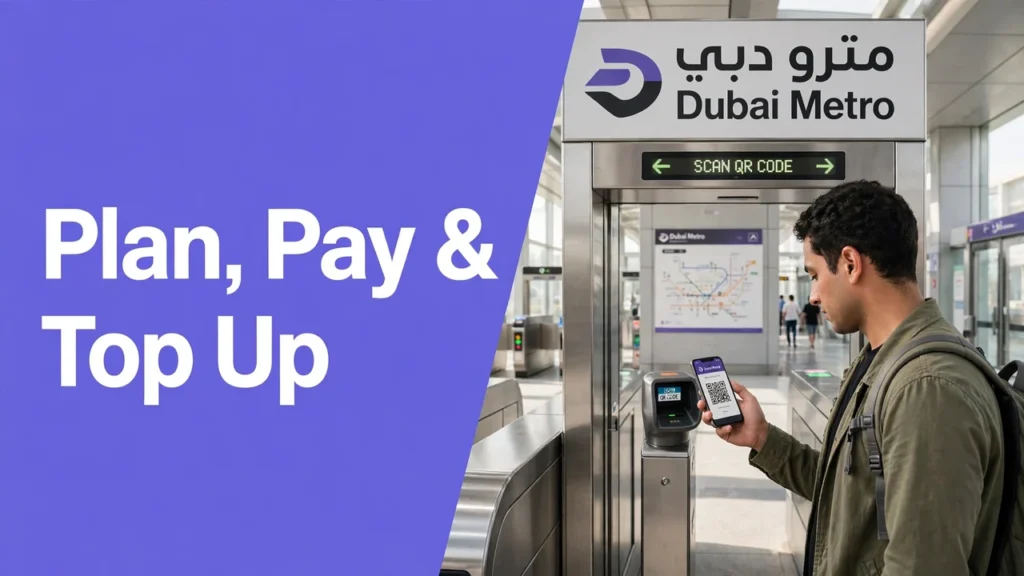
A QR ticket is a digital Red Ticket, and it is the way to ride without a NOL card. You buy it in S’hail or nol Pay, and you scan the QR code on your phone screen at the Metro gate, the Tram validator or the bus reader. It works on the Metro, the Tram and RTA buses only, and it does not work on ferries, taxis, parking or in shops. The steps are the same in both apps.
- Open S’hail or nol Pay. Sign in with UAE Pass or an RTA account, or continue as a guest.
- Tap QR Ticket, then choose Single Trip or 1-Day Pass.
- Choose Travel by Zone or Travel by Destination. Destination lets the app work out the zones from your start and end points.
- Choose how many tickets you need and the class, Regular or Gold. One ticket covers one passenger.
- Pay by card, noqodi, Google Pay or net banking. The ticket appears in the app straight away, with a booking reference by email and app notification.
- At the gate, open the ticket in the app and scan the QR code on your screen. If you bought several tickets, tap Next after each one is used to show the next code.
Buy the ticket when you need it, not days ahead, because the code refreshes inside the app and cannot be downloaded or screenshotted. Screenshots do not work at the gate, and a photo of the code will not scan. Keep the app open and the screen bright at the gate, and keep your phone charged. The QR Tickets guide gives the full rules and the combined QR ticket for Etihad Rail.
QR ticket fares and rules
QR fares are date-stamped 24 Nov 2026, and they include the AED 2 fee RTA charges per transaction, not per ticket, so buying several tickets at once costs less in fees. A single trip costs AED 6, AED 8 or AED 10.50 in Regular, by zones, and AED 10, AED 14 or AED 19 in Gold. A 1-Day Pass costs AED 22 in Regular and AED 42 in Gold, and it covers Metro, Tram and RTA buses for the day. There is no daily fare cap published on the RTA Nol Fares page, so do not budget on one.
| QR ticket | Regular | Gold Class |
|---|---|---|
| Single trip, 1 zone | AED 6 | AED 10 |
| Single trip, 2 zones | AED 8 | AED 14 |
| Single trip, more than 2 zones | AED 10.50 | AED 19 |
| 1-Day Pass, all zones | AED 22 | AED 42 |
- Buy up to 10 single trip tickets or 5 day passes in one transaction.
- An unused QR ticket is valid for 90 days from the day you buy it.
- A day pass expires at midnight on the day of first use.
- Internet is required to buy and to show the ticket. Screenshots do not work.
- An unused QR ticket can be refunded at a station by showing the QR code, with an AED 2 fee per refund.
- A paper QR ticket from a machine expires at 11:59 pm on the day of purchase.
One third party guide quotes lower QR fares, AED 4 for a single trip and AED 20 for a day pass, but those figures conflict with the fares above, which are the ones this site has verified. If the app shows a different price when you buy, trust the app, because it charges the live RTA fare, and check the price before you pay.
Topping up a NOL card in nol Pay, step by step
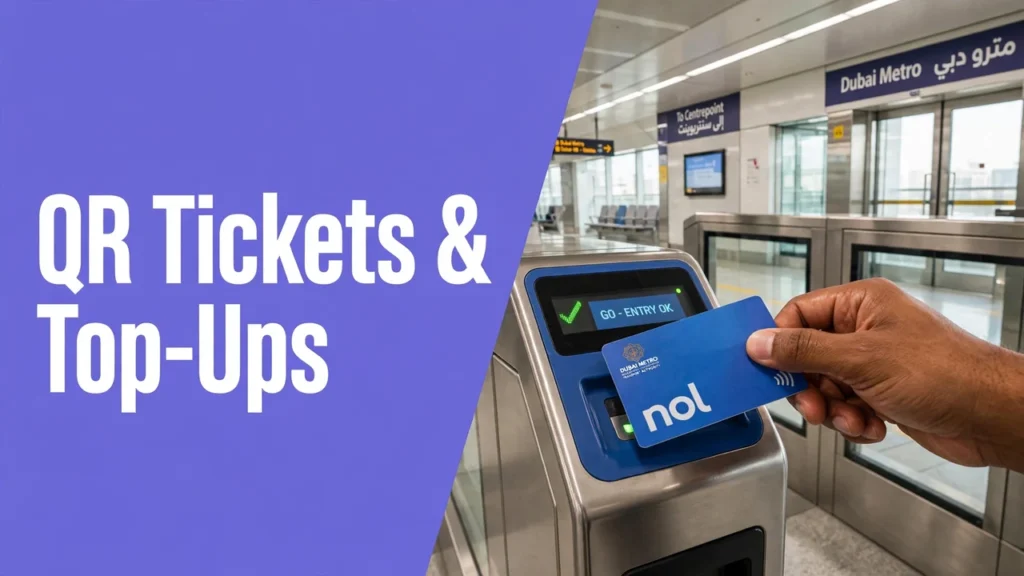
Topping up in nol Pay is the fastest way to add money to a card, because the phone writes the credit to the card itself. The whole job takes about a minute, and the balance is ready at once. The steps below are for a physical card. A virtual card skips the tapping and the credit lands at once.
- Open nol Pay and sign in with UAE Pass or an RTA account. Tap Top Up.
- Hold your NOL card against the NFC area on the back of your phone until the app reads it, or pick a card already linked to your account.
- Choose the amount. The minimum top-up through the app is AED 5, and the most you can add online is AED 150.
- Pay by credit or debit card. The payment goes through in the app.
- Hold the card against the phone again when the app asks. Keep it still until the app confirms the balance is loaded.
- Check the new balance in the app before you put the card away.
Paying online does not always mean the money is on the card yet. The NFC top-up in nol Pay is instant, because the phone writes the credit to the card on the second tap. A top-up paid by tag ID, on the RTA website or in the S’hail or RTA Dubai apps, takes 45 minutes to 4 hours to arrive, and you must then activate it at a Metro gate, a solar top-up machine, a parking meter or in the nol Pay app. Top up the night before a big day out, and never top up by tag ID at the station when your train leaves in ten minutes.
Topping up in S’hail and every other way
nol Pay is the fastest top-up, but it is not the only one. S’hail and the RTA Dubai app top up the same way, the RTA website tops up by tag ID, and the machines and ticket offices in the stations take cash and cards. The table below compares them, so you can pick the one that fits where you are.
| Top-up method | Minimum | When the balance is ready |
|---|---|---|
| nol Pay app, NFC tap | AED 5 | Instant, on the second tap |
| S’hail or RTA Dubai app, NFC tap | AED 5 | Instant, on the second tap |
| S’hail, RTA Dubai app or RTA website, tag ID | AED 5 | 45 minutes to 4 hours, then activate |
| Metro station machine | AED 20 | Instant |
| Metro station ticket office | AED 50 | Instant |
The machine and office minimums, AED 20 and AED 50, come from guides rather than an RTA page, so treat them as a guide and check at the station. The online figures are from RTA’s own top-up service page: a minimum of AED 5, a maximum of AED 150 per online top-up, and a maximum balance of AED 1,000 on an anonymous card and AED 5,000 on a registered card. The Dubai Now app also offers top-up. A top-up stays pending for up to 180 days if you never activate it, so a top-up bought online is not lost if you forget it for a week. The Top Up and Refund guide gives the full steps for every method.
Checking your balance and trip history in nol Pay
Checking the balance takes one tap in nol Pay. Open the app, hold the card to the phone, and the balance and the card details appear, with the recent trips underneath. A linked card shows the same without tapping, because the app reads the account. Check the balance before a day out, and top up before it falls below AED 7.50, which is the minimum to get through the Metro gates. A Blue concession card needs only AED 3.50.
Low balance reminders in nol Pay warn you before the card runs out, and they are worth switching on if you ride every day. The trip history shows each journey with the fare, the zones and the time, which is the fastest way to check whether a fare looks wrong. If a trip is missing or a fare looks high, screenshot the history before you contact RTA, because the record is what they will ask for. You can also check a balance at any Metro station machine or ticket office without the app, and the S’hail app shows the balance for a linked card too.
Passes and card settings in nol Pay
Passes are bought in nol Pay or S’hail and written to the card by NFC, the same way as a top-up. A Silver 7 day pass costs AED 50, AED 80 or AED 110 by zones, a 30 day pass AED 140, AED 230 or AED 350, a 90 day pass AED 330, AED 550 or AED 830, and a 365 day pass AED 1,060, AED 1,770 or AED 2,670, with Gold passes at double those prices. All pass prices were checked on the RTA Nol Fares page on 19 Nov 2026. A pass suits a stay of a week or more with daily travel, and the Pass guide works out the break-even point against pay as you go.
Your card settings live in nol Pay too. A Personal or Blue card is registered to your name, which is what makes a lost card replaceable and a refund possible, and an anonymous Silver or Gold card cannot be blocked or refunded if it is lost. A digital NOL card works on selected Samsung and Huawei phones, and it lets the phone itself tap at the gates instead of the card. An iPhone cannot tap at the gates, and it cannot hold a NOL card in Apple Wallet, but it can read and top up a physical card through NFC in nol Pay, and it can buy QR tickets. The NOL Card for Tourists guide covers which card a visitor should buy.
When things go wrong
Most app problems have a simple cause, and the fix is usually to wait, tap again, or ask at a station. Work through the list below before you buy a second ticket or top up twice, because a duplicate payment is harder to undo than a slow one.
- Top-up not showing. If you paid by tag ID, wait 45 minutes to 4 hours, then activate the balance at a Metro gate, a solar machine, a parking meter or in nol Pay. If you paid by NFC, hold the card to the phone again until the app confirms the load.
- QR code will not scan. Turn the screen brightness up, check you have internet, and open the
- App will not log in. Use guest mode for QR tickets and basic planning, and sign in later. UAE Pass login needs internet and a working UAE Pass app.
- Wrong fare charged. Check the trip history in nol Pay, note the time and the stations, and call RTA on 800 90 90 with the details.
- Lost card. Report it at once so RTA can block it, and apply for a refund through the RTA refund service. A cash refund carries a fee of 2.5 percent or AED 5, whichever is higher, and a transfer to a Personal or registered card is free. Approval takes four working days, an SMS arrives on the fifth day, and cash must be collected within 30 days.
If the app itself will not open, delete it and install it again, then sign in and check the balance before you travel. Your card and its balance live on the card and in your RTA account, not in the app, so reinstalling does not lose money. The Top Up and Refund guide covers lost cards, refunds and replacement cards in full.
Mistakes visitors make with the apps
The mistakes that spoil a day out with the apps are all avoidable, and they start with screenshotting a QR ticket. Screenshots do not work at the gate, and a visitor who screenshots the ticket and closes the app is stuck at the barrier. These are the five mistakes to avoid.
- Screenshotting a QR ticket. The code refreshes in the app, so keep the app open and the phone charged at the gate.
- Topping up by tag ID at the last minute. The money takes 45 minutes to 4 hours to arrive, so top up by NFC or the night before.
- Leaving the physical card at the hotel. The phone tops the card up, but the card is what taps at the gates on most phones.
- Planning without internet. S’hail and nol Pay need data to plan, buy and show tickets, so download the apps and the maps on Wi-Fi first.
- Assuming a bank card taps at the gates. It does not, and the phase that brings bank card tap is due at the end of the first quarter of 2027.
Avoid those five and the two apps do the job: S’hail for the route, nol Pay for the card, and a charged phone in your pocket. The Tourist Guide puts the apps into a first day plan, and the Fares page has the numbers the apps charge.
Frequently asked questions
Do I need a NOL card if I have S’hail or nol Pay?
No, not for a short trip. You can buy a QR ticket in either app and scan it at the gate, with no card at all. For a longer stay, a NOL card is cheaper and simpler, because passes only live on a card, and the card taps faster than a phone screen at a busy gate.
How do I buy a QR ticket in the app?
Open S’hail or nol Pay, tap QR Ticket, choose Single Trip or 1-Day Pass, pick Travel by Zone or Travel by Destination, choose the number of tickets and the class, then pay. The ticket appears in the app at once. A single trip costs AED 6, AED 8 or AED 10.50 in Regular, and a 1-Day Pass costs AED 22.
Why is my top-up not showing on my card?
If you paid by tag ID, the money takes 45 minutes to 4 hours to arrive, and you must then activate it at a Metro gate, a solar machine, a parking meter or in nol Pay. If you paid by NFC in nol Pay, hold the card to the phone again until the app confirms the load, because the second tap is what writes the credit.
Can I use a screenshot of my QR ticket at the gate?
No. The QR code refreshes automatically inside the app and cannot be downloaded, so a screenshot or a photo will not scan. Open the ticket in the app at the gate, turn the brightness up, and keep your phone charged. You need internet to buy the ticket and to show it.
What is the minimum top-up in nol Pay?
The minimum top-up through the app is AED 5, and the most you can add online is AED 150. The maximum balance is AED 1,000 on an anonymous card and AED 5,000 on a registered card. At a station machine the minimum is AED 20, and at a ticket office it is AED 50, both from guides rather than an RTA page.
Can I get a refund for an unused QR ticket?
Yes. Show the QR code at a station and RTA will refund an unused ticket, with an AED 2 fee per refund. An unused digital QR ticket stays valid for 90 days from the day you buy it, and a day pass expires at midnight on the day of first use, so check the dates before you ask for a refund.